Reset Credentials
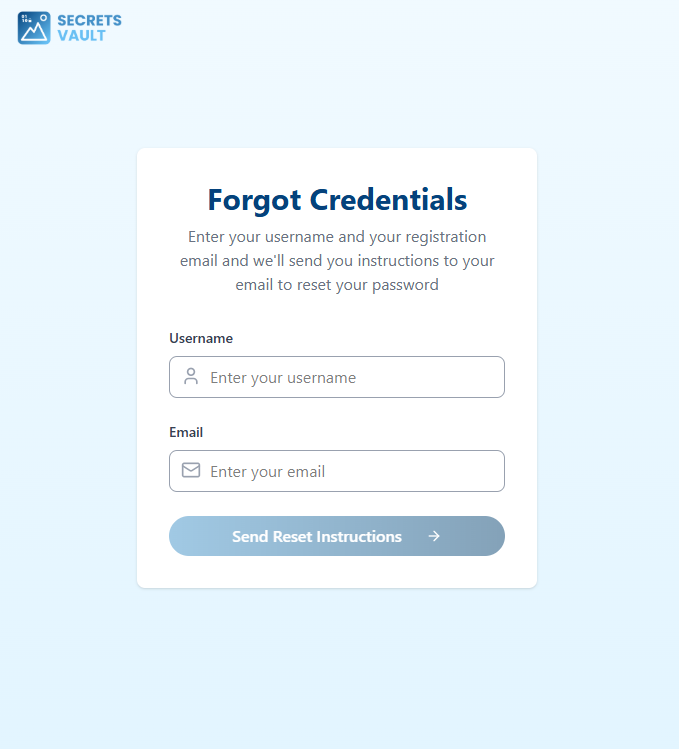
If you do not remember your credentials, you can use the "Forgot Credentials" option on the authentication page.

You will be asked to enter your Username and the Email associated with your account. An email containing a secure link and instructions will be sent to your registered email address, allowing you to reset your visual passcodes.
Face Recognition authentication
In some tenants, credential reset can include face recognition validation.
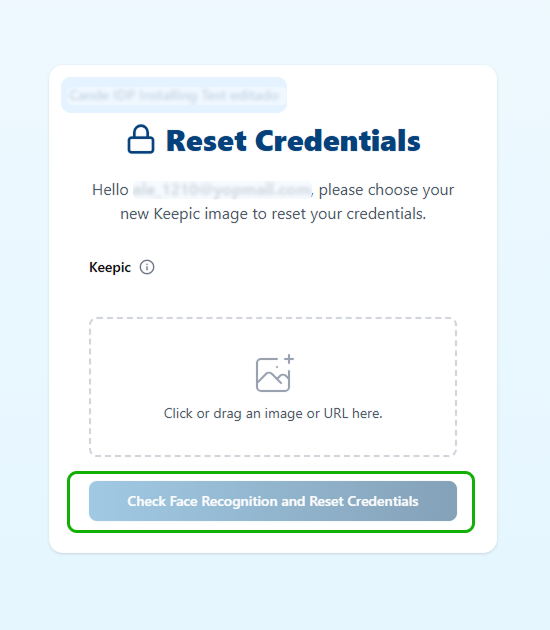
In this mode, the user uploads a Keepic that includes their face. Before completing the reset flow, the system validates that the face in the Keepic matches the person in front of the device camera.
After entering the Keepic, the user must click Check Face Recognition and Reset Credentials to start the face recognition process.
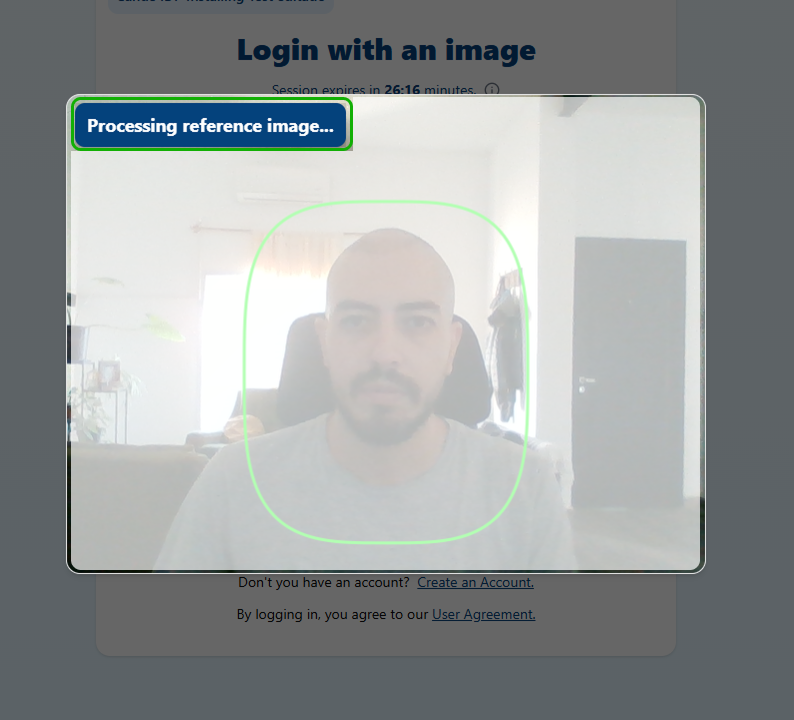
The user must position their face inside the green frame. At the top of the modal, the system shows live feedback as it processes the face recognition.
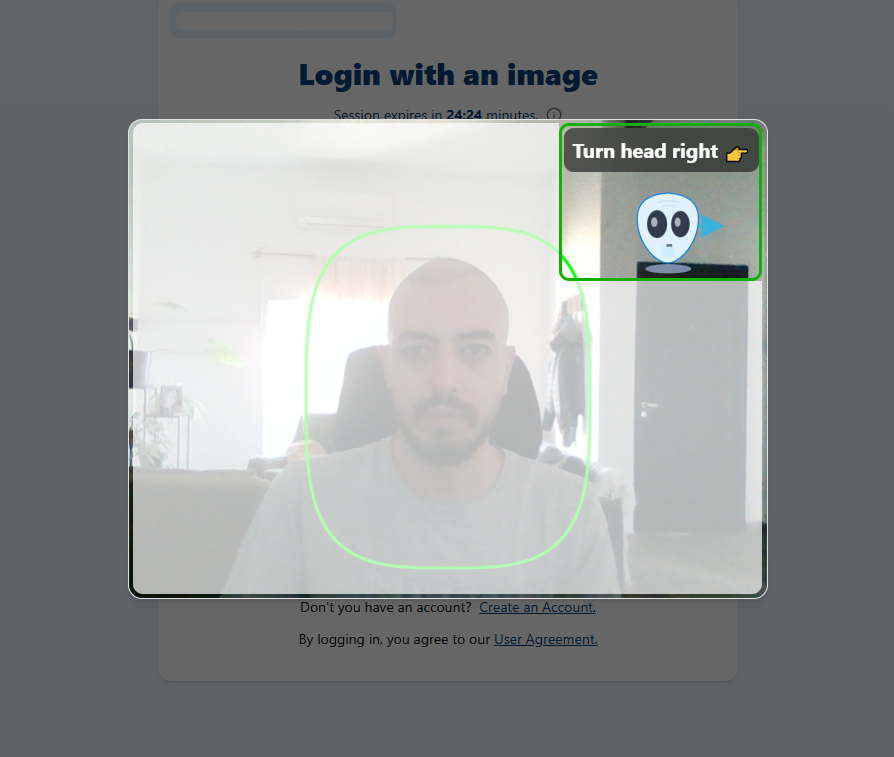
Some tenants may also require a liveness proof. In that case, the liveness challenge starts immediately after face recognition, and the required gestures are displayed at the top of the modal.
| Face Recognition | Liveness |
|---|---|
 |  |