User Authentication
The Visual Passcodes User Portal provides the front-end interface for users to log in, create an account, and manage their credentials.
Login
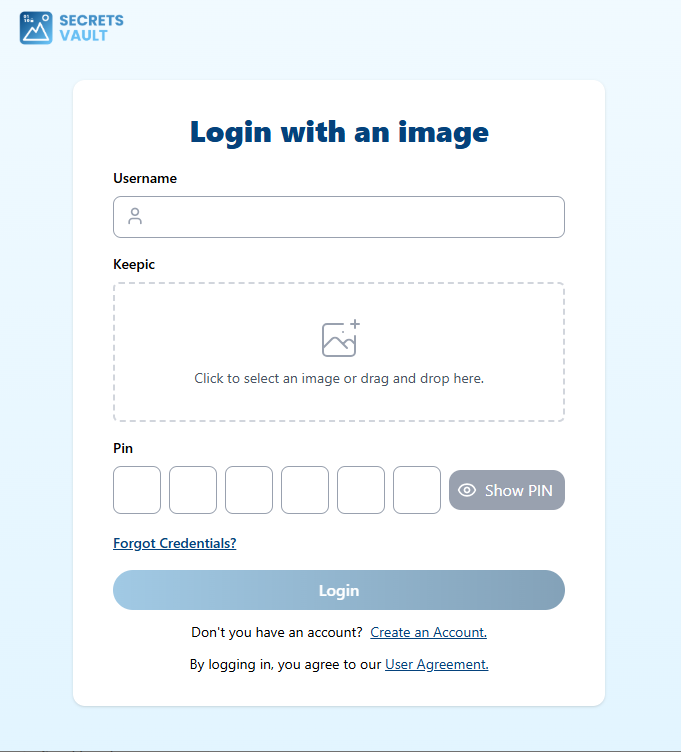
To log in, a user must provide their visual passcodes, which consists of three parts:
- Username: Your unique identifier within the Visual Passcodes system.
- Keepic (Image): Your chosen personal image. You can click to select an image or drag and drop it into the designated area.
- Access Method: You can choose between two secure options:
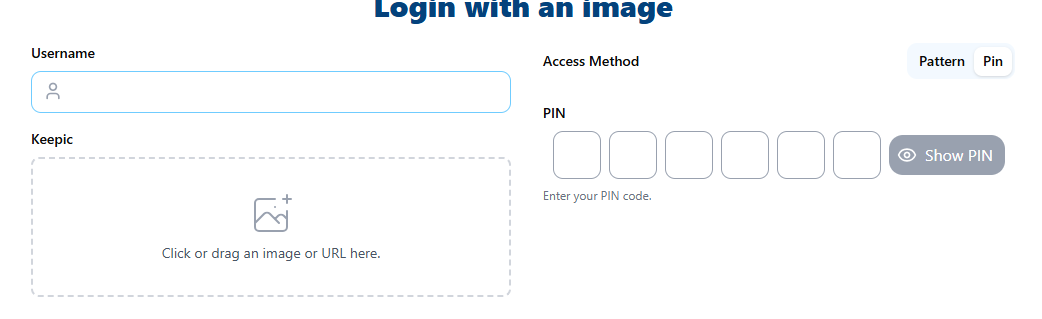
- PIN: A numeric PIN between 3 and 6 digits.
- Pattern: A custom pattern created by connecting at least 3 points on a grid (either 3×3 or 4×4) in your chosen direction and sequence.
PIN
Pattern
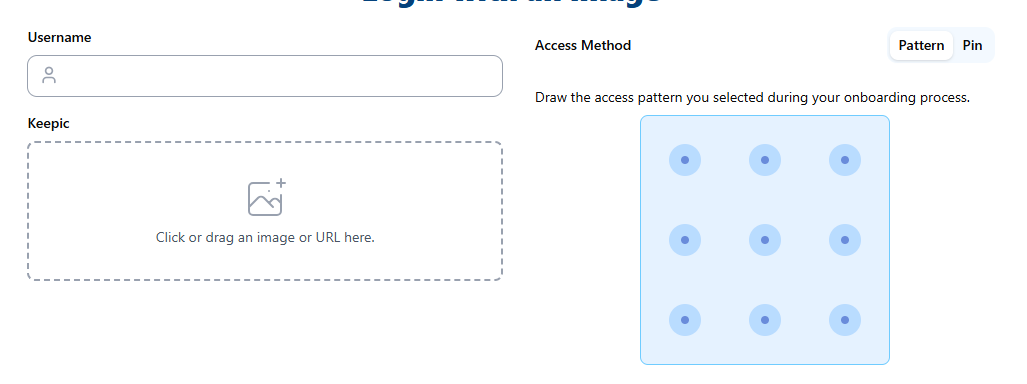
The visual authentication process involves the server sending a challenge to your client, which you solve by providing your image and PIN or Pattern.
Credential Reset
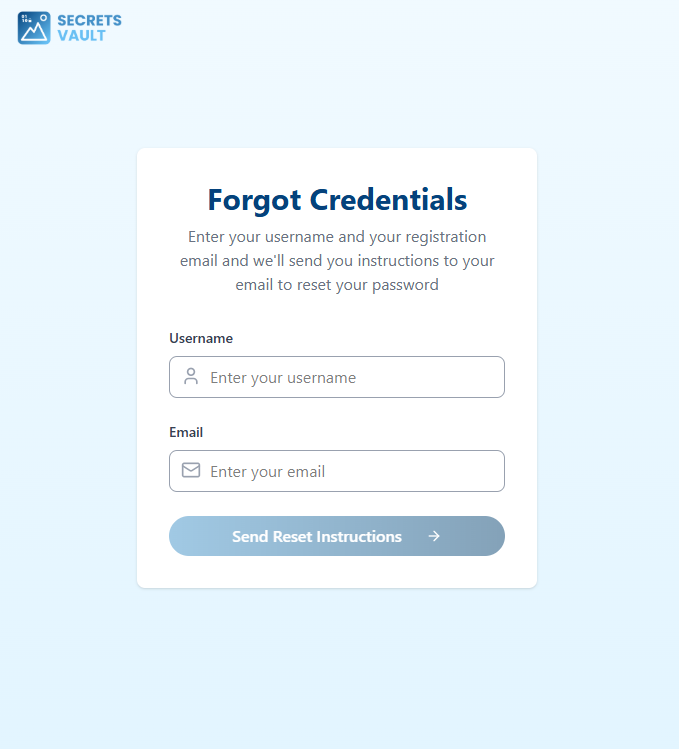
If you do not remember your credentials, you can use the "Forgot Credentials" option on the authentication page.

You will be asked to enter your Username and the Email associated with your account. An email containing a secure link and instructions will be sent to your registered email address, allowing you to reset your visual passcodes.
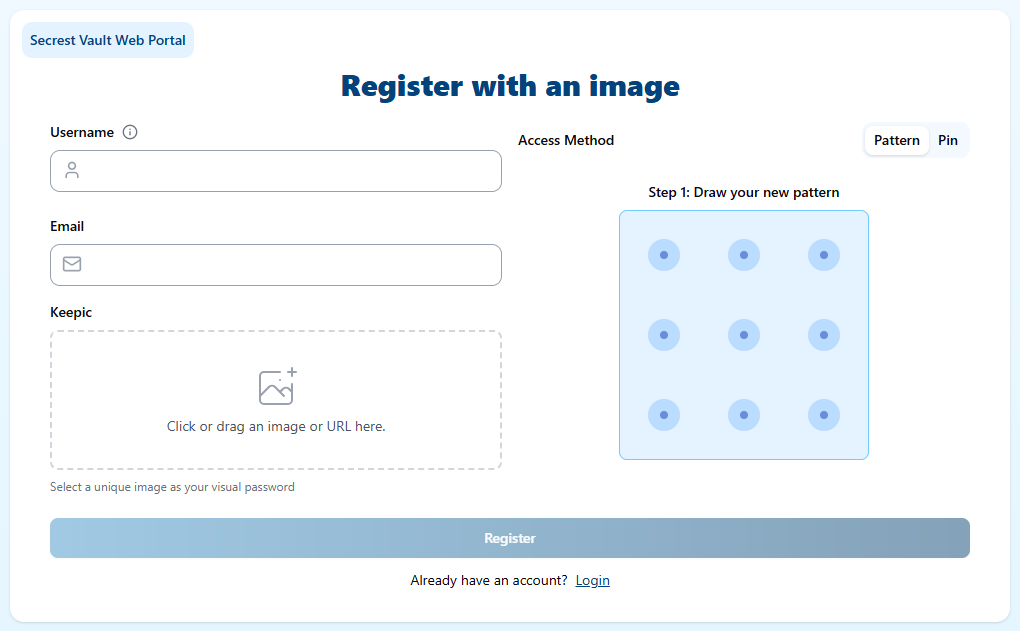
Create New Account
If you do not have an account, you can use the "Create an Account" option, if it has been enabled by the Service Provider.

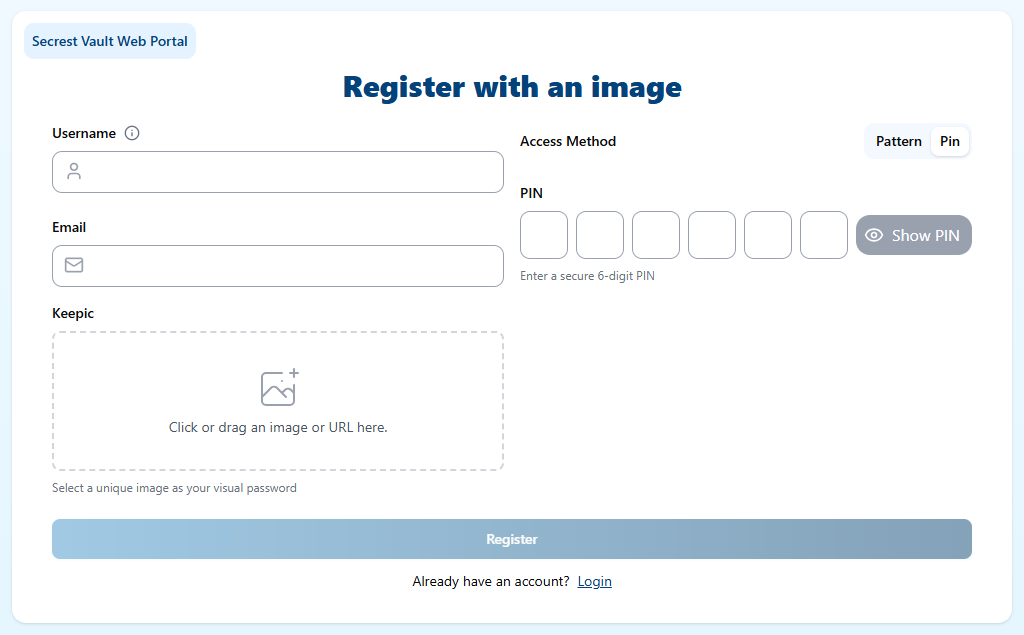
You will be prompted to provide:
- Your desired Username.
- Your Email address for verification.
- A unique Keepic (Image).
- Your Access Method: Choose between a PIN (3-6 digits) or a custom Pattern (connecting at least 3 points on a 3×3 or 4×4 grid).
PIN
Pattern