Account Management
Once authenticated, users can access the user information page to view their profile, manage active sessions, and change their credentials.
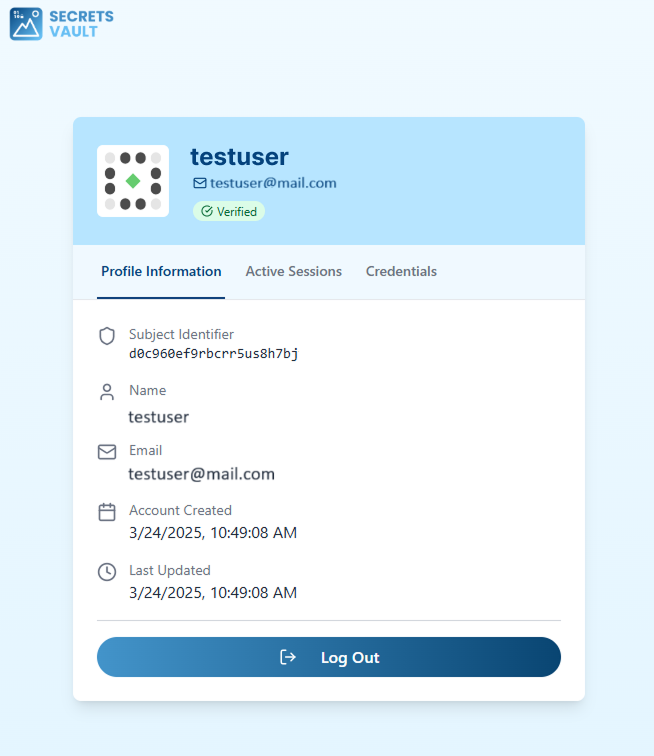
Profile Information
The "Profile Information" tab displays your core account details, including:
- Subject Identifier: A unique ID for your account.
- Name: Your registered name.
- Email: Your registered email address.
- Account Created: The date your account was created.
- Last Updated: The date your account was last modified.
Session History
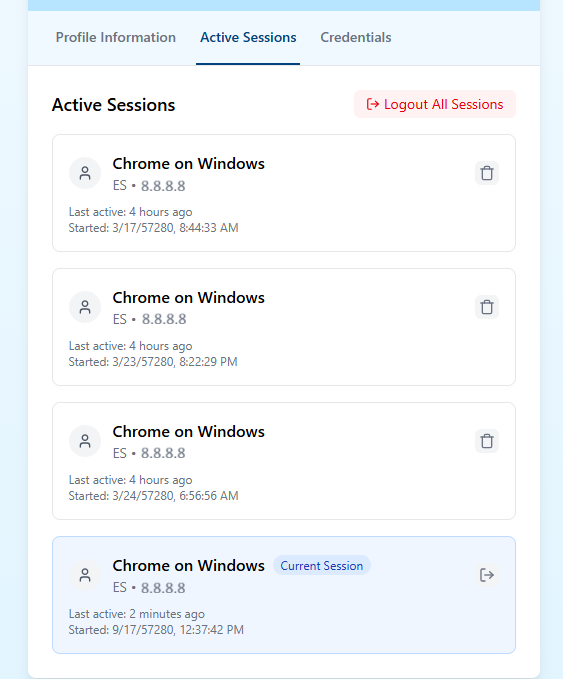
The "Active Sessions" tab provides an overview of all your active login sessions to help you monitor account activity. For each session, you can see:
- Device and Browser used.
- Location/IP Address.
- Last active time and session start time.
From this page, you can "Logout All Sessions", which will immediately terminate all active logins associated with your account across all devices.
Credential Management
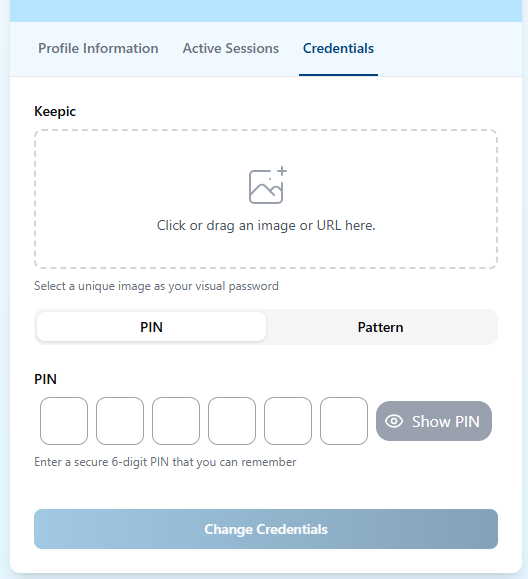
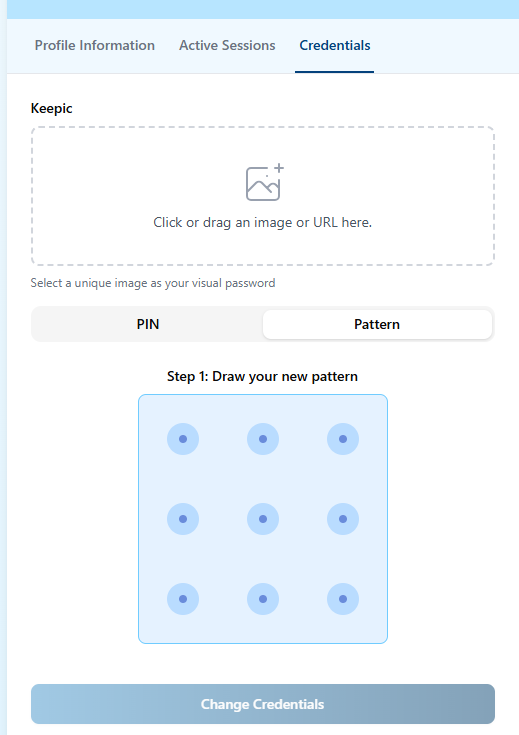
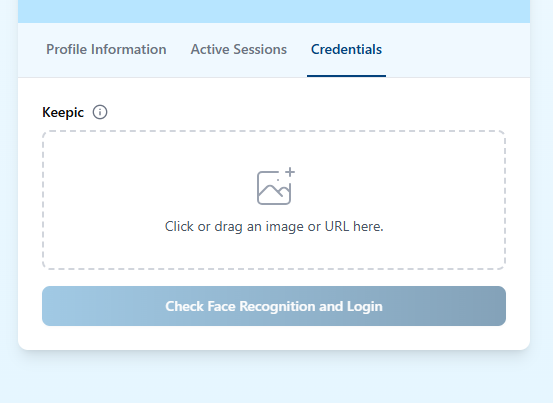
The "Credentials" tab allows you to change your visual passcode by selecting a new Keepic (Image) and choosing a new Access Method (either a PIN of 3-6 digits or a custom Pattern connecting at least 3 points on a 3×3 or 4×4 grid).
In tenants with Face Recognition enabled, credential updates can also require a face check. In that case, the system validates that the face in the Keepic matches the user in front of the device camera before confirming the credential reset.
| PIN | Pattern | Face Recognition |
|---|---|---|
 |  |  |
Logout
You can log out of your Current Session using the "Log Out" button on the user information page. As mentioned above, the "Logout All Sessions" button provides a way to secure your account by ending all active sessions everywhere.